01 · The form
A release in plain English, not paragraph-six legalese.
Photographer-native vocabulary. Subjects can actually read what they're signing. Studio gets the protection, subject gets the courtesy.
Fill a short form and download a free model release form PDF, tuned to your shoot type and US state —
plus property, minor, crowd, NDA, social-media, and bilingual releases.
The watermarked PDF is free; pay once to unlock the branded, editable .docx.
Photographer-native vocabulary. Subjects can actually read what they're signing. Studio gets the protection, subject gets the courtesy.
Right-of-publicity laws vary state to state. Pick California, New York, Florida, Texas or Illinois and the release cites that state’s law by name; any other state gets a governing-law clause naming it.
Each release names the kind of session it covers — a wedding, a boudoir session, an aerial shoot — and lists the exact uses you tick. Never "your business".
How to get it signed
SignedShoot makes the document; it doesn’t collect signatures.
This is the whole model release form generator: choose the release type, answer a few questions, and download a free, signable PDF. Prefer a dedicated page? Open the state-by-state model release form generator, grab a free model release form PDF, or use the photo release form generator. Shooting adults in a specific state? Start from the California model release form, New York model release form, Florida model release form, Texas model release form, or Illinois model release form.
Each release is framed by the shoot type and tuned with state-specific language for the highest-volume US jurisdictions. No generic "your business" prose. Pick the one you shoot.
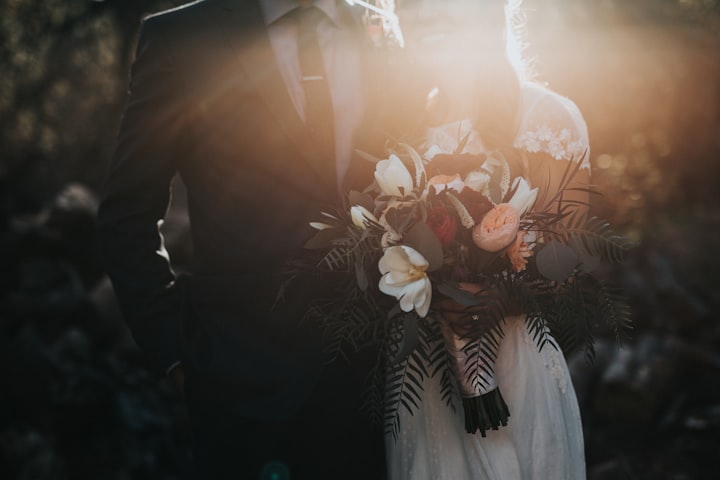 Wedding
Tuned for the assistant running paperwork at golden hour.
Start one Real estate · Drone
Owner-signed property release, framed for the listing or aerial shoot.
Start one Boudoir · Portrait
Usage scope a subject can actually read.
Start one Newborn · Family
Parent-signed consent, with print and social uses chosen one by one.
Start oneModel, property, minor, crowd, NDA, social-media-use, or bilingual — framed by the shoot.
Names, dates, state, and usage scope. Built in your browser — subject details never uploaded.
Free watermarked PDF. Pay once and get a branded, editable .docx alongside a clean PDF.
Print it and sign in pen, or open the PDF on a phone, sign with the built-in markup tool and save a copy. SignedShoot makes the document; it doesn’t collect signatures.
"The release a shoot actually needs, in the time it takes the second-shooter to find the assistant. Pay once, never see it again."
Pay once, one release.
All seven form types.