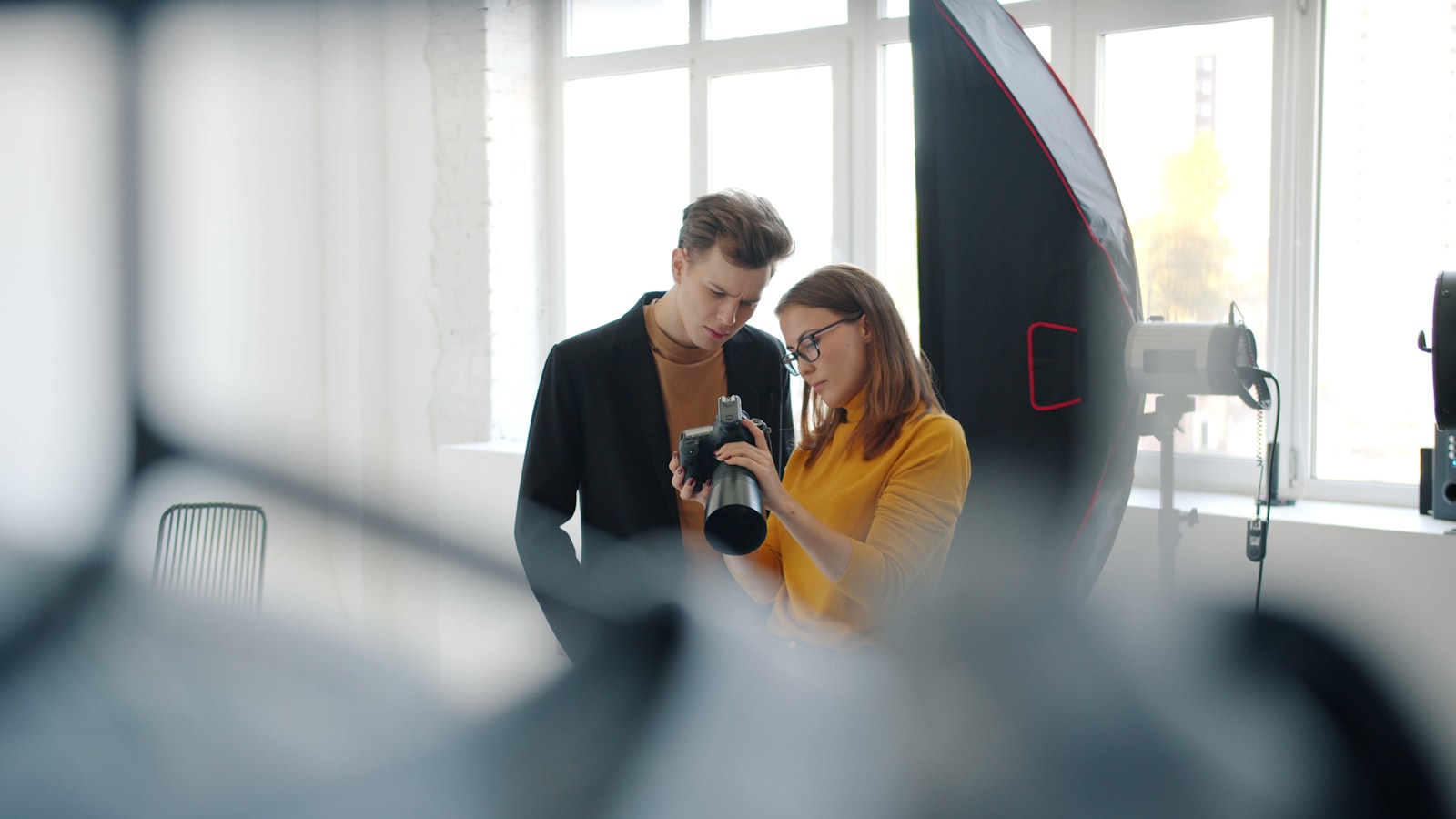
You wrapped a portrait session an hour ago. The client wants to post the images tonight. You need a signed model release form before those files leave your hands, and you need it now. A model release form generator solves that problem without asking you to stare at a blank Word document or pay a lawyer to write a one-page form from scratch.
Here is exactly how it works, what it protects, and when you need something different.
What a Model Release Form Generator Actually Does (and Doesn't Do)
A generator takes the specific details of your shoot, your subject, and your intended usage, then assembles a structured release document based on standard industry practice. SignedShoot follows ASMP and PPA template conventions, so the clauses you get reflect what working photographers across the country have treated as the baseline for decades.
What a generator does not do: it does not give you legal advice, it does not guarantee any document will hold up in every court in every state, and it does not replace an attorney if you are dealing with a complex commercial campaign or a dispute. These are practical starting-point documents for everyday shoots.
The Five Fields That Matter Most on Any Model Release
Before you open any generator, know what information you need on hand. Sloppy fields are where releases fall apart.
- Subject's full legal name. Not a nickname. Not an Instagram handle.
- Photographer or studio name. The legal name of the entity that owns the images.
- Shoot date and location. Even a general location (city, state) anchors the release to a specific session.
- Permitted uses. Editorial, commercial, social media, advertising, stock licensing, or a combination. Be specific. "All purposes" is broad; list the categories you actually need.
- Compensation terms. Even if the consideration is $1 or "valuable consideration received," the release should say so. Courts in states like California and New York have looked hard at this field in right-of-publicity cases.
Step-by-Step: Building Your Release in Under 5 Minutes
Here is the actual flow inside SignedShoot. No account required to preview.
- Choose release type. Select "Model Release" from the document menu.
- Enter photographer details. Legal name, business name if applicable, city and state.
- Enter subject details. Full name, date, shoot location. If the subject is a minor, the form will prompt you for a parent or guardian name automatically.
- Select usage scope. Check the categories that apply: print, digital, social media, commercial advertising, editorial, stock. Uncheck what does not apply to keep the release honest and proportionate to the job.
- Set compensation. Type the agreed amount or note "no monetary compensation" with the alternative consideration.
- Generate. The document builds entirely in your browser. A watermarked PDF appears in seconds.
That is the full input sequence. Five to six fields, one click, one document.
Why Your Subject's Data Never Leaves the Browser
This matters more than most photographers realize. When you type a subject's name and date of birth into some web tools, that data gets sent to a server, stored in a database, and kept indefinitely. SignedShoot builds your release document locally in the browser. Subject details are never uploaded to any server. The moment you close the tab, that information is gone from the system. For boudoir clients, medical professionals, or anyone with a public profile who values privacy, this is a concrete reassurance you can offer before they hand over their name.
Check the Watermarked Preview Before You Download
After the document generates, you get a complete, usable watermarked PDF. Read it line by line. Confirm the subject name is spelled correctly. Confirm the usage categories match what you discussed. Confirm the date is right. The watermarked version is fully readable and gives you the chance to catch a typo before you ask someone to sign a document with their legal name on it. When everything looks correct, download the clean PDF or the .docx file and send it for signature.
When to Reach for a Different Release Type
A standard model release covers most portrait, headshot, fitness, and lifestyle sessions. But some shoots call for a specialized form.
- Wedding photography: A wedding photography release form handles both client consent and third-party guest images under one framework.
- Property shoots: A property release form is what you need when an identifiable building, interior, or artwork is the commercial subject.
- Drone work: If your aerial images feature private land or structures, a drone photography property release adds the location-specific consent language a standard model release omits.
- Shoots in California: California's Civil Code Section 3344 has specific commercial use requirements. A California model release form addresses those directly.
- Bilingual subjects: If your subject reads Spanish more comfortably than English, a bilingual model release form in Spanish gives them a version they can actually understand before they sign.
The right release for the right shoot is not overthinking it. It is the only way the document does its job.
SignedShoot documents are templates based on standard ASMP and PPA industry practice. They are not attorney-drafted or attorney-reviewed. Nothing on this site constitutes legal advice. Consult a licensed attorney in your state for guidance on specific situations.