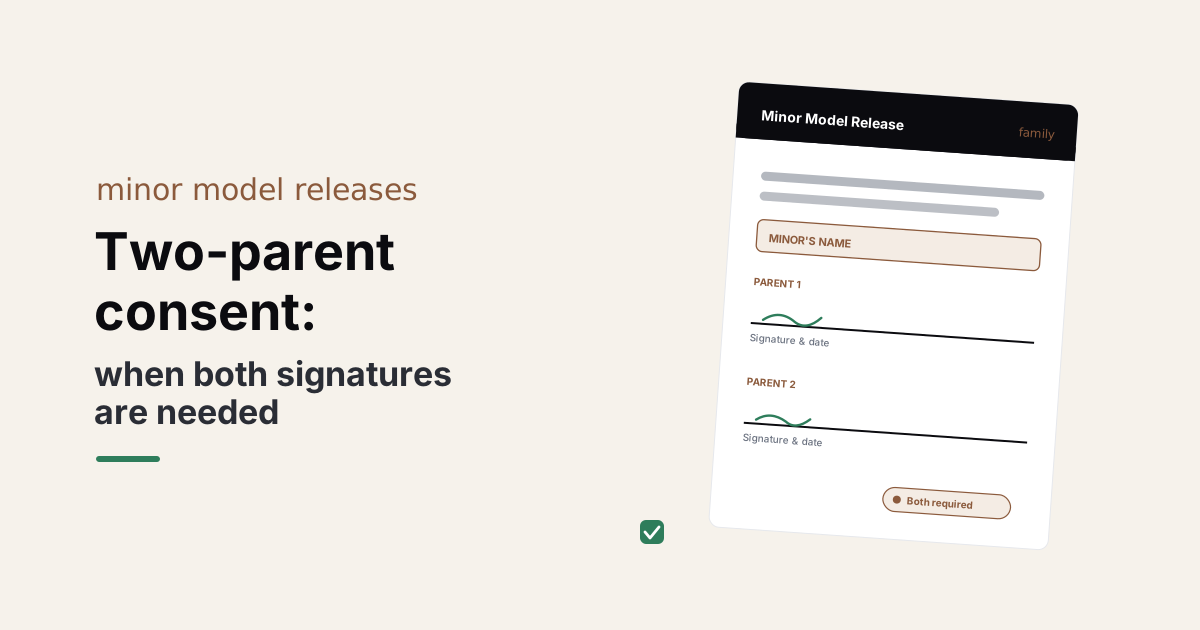
Most family sessions are booked by one parent, who shows up, signs a minor model release, and the shoot moves forward. For a session whose photos stay in the family album, that's the end of the question. For a session whose photos may appear in your portfolio, in your marketing, or anywhere public, the question is whether the parent who is not in the room — the other legal guardian — also needs to sign.
A child has two legal guardians more often than not, and both of them hold rights over how the child's image is used. A two-parent minor release is the cleanest record for the cases where both signatures actually matter.
The short answer
For session photos used privately by the family, one parent's signature is usually enough — the release records the scope and the parental consent for the deliverables. For commercial or portfolio use of the minor's image, having both parents on the document is the clearer record, and the right answer when custody is shared and the photos will appear publicly.
The line is use. Family album: one signature is fine. Portfolio, marketing, sponsored content: both signatures.
Why one parent isn't always enough
A child cannot grant a release. The parent or legal guardian grants it on the child's behalf — that's how minor consent works. When both parents share custody, both are equally that legal guardian, and both have equally legitimate interests in deciding whether their child's image goes public.
The friction shows up after the fact. A photographer posts a feature image from a session. The non-booking parent sees it on Instagram. They were never asked. They had a different understanding of what the shoot was for. Now the photographer has a public post and an unhappy parent — and a release with one signature that does not clearly answer the question of whether both consented.
The release with two signature lines from the start sidesteps the whole situation. It is a small piece of paperwork that says, in writing, what both parents agreed to.
When does it actually matter?
Three situations where the second signature carries weight:
- Shared physical custody. Both parents have the child a significant share of the time. Both are involved in decisions about the child's public presence. The session belongs to both households, not just the booking parent's.
- Portfolio or commercial use is planned. The photos are going past the family album — into your website, an ad, a stock library, sponsored content. The public stakes are higher, and a single signature reads thinner against that use.
- The non-booking parent is reachable. If you can get the second signature without a fuss, you may as well — it makes the release unambiguous and saves the conversation later.
When all three are true, generate the release with both signature blocks and treat it as the standard for the shoot. When none of the three are true — a family album session for a child whose parents live together — one signature is the normal answer.
How to handle the second signature in practice
Generate the release in SignedShoot with the minor model release generator and add a second parent or guardian signature block on the editable Word document. The booking parent signs at the shoot. The release sits in your records as partially-signed until the second parent signs — and the images stay private until they do.
If reaching the second parent before the shoot is realistic, send the partially-signed PDF home with the booking parent and ask them to bring it back at delivery, or email it for an e-signature. For families where the relationship is amicable, this is rarely a problem; the second signature comes back within a few days.
For families where reaching the second parent is unrealistic, the honest answer is to limit your use of the images to private family deliverables and skip the portfolio frames. The release records the scope you actually have permission for — not the scope you wish you had.
What about court-ordered custody?
For families with court-ordered custody, the legal question of which parent can grant consent under that specific order is not one a release form can answer. Custody orders vary. Some grant sole decision-making authority to one parent; some require both parents' consent for any public use. The family's attorney is the right reviewer.
In practice, the parent booking the shoot usually knows what their custody order says — ask them, document what they tell you, and follow it.
For state-specific rules on minor consent generally — what age, what wording, which states have particular requirements for using a child's image commercially — the state-by-state minor consent guide walks through the highlights. The two-parent question sits on top of those rules: even in a state with permissive default consent, both parents may still need to sign for shared-custody arrangements.
A practical default for family photographers
For most family sessions, the workable default is:
- Family-only use: one parent signs. The booking parent grants consent for the deliverables. The release records the scope.
- Portfolio or marketing use: both parents sign. The release is generated with two signature blocks from the start. The image stays unused for public purposes until both signatures are in.
- Court-ordered custody: the family's attorney decides which parent can sign for which scope. Document what the parent tells you and follow it.
SignedShoot generates the release in your browser, branded with your studio, and the family's details never reach a server. The watermarked preview is free; unlocking is $29 for one type, or $49 for the Forms Pack with all seven types — useful when family work also touches model, social-media-use, and school releases in the same month. SignedShoot generates document templates, not legal advice; for custody arrangements with specific court orders, the family's attorney is the right reviewer.