Property release form generator
Generate a property release for a home, an interior, or a location — the document that clears the building, not the people, for use in your images.
See your release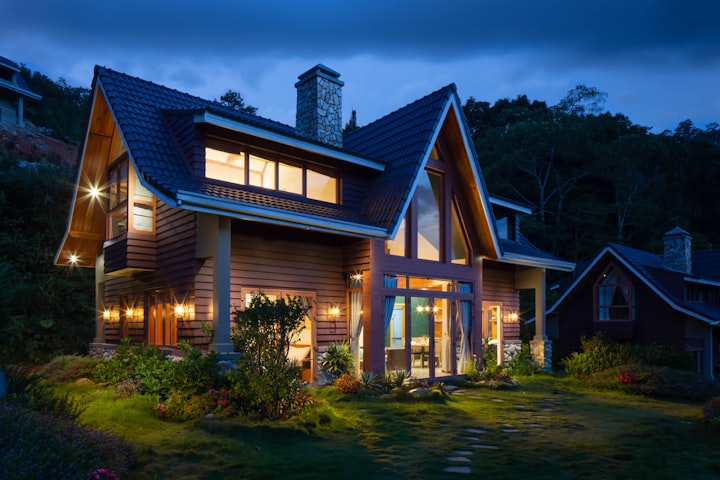

A property release is often misunderstood. It does not clear a person in a photo — that is the model release. It clears the place: a recognizable home, a distinctive interior, a private garden, a piece of art on a wall. When you photograph private property and the images will be used commercially or sold to stock, the owner's written permission is what keeps the use clean.
Real estate and interior photographers run into this constantly. A listing shoot belongs to the agent and the seller; using those interiors in a portfolio or an ad without a release crosses a line the homeowner never agreed to. A property release fixes that with one signed page.
The form below asks who owns the property, who is shooting, and how the images will be used, then builds the release. The free preview is a complete, watermarked document; unlocking adds your branding.
Your release, ready now. Sample names are filled in — type your details below and the preview updates as you go.
How to get it signed
- On paper: print it, and the subject signs and dates it in pen.
- On a phone: open the PDF, tap the markup tool (Markup on iPhone, Fill & Sign in Adobe Acrobat Reader on Android), sign, and save a copy.
- Add your own signature, then keep a copy and send one to the subject.
SignedShoot makes the document; it doesn’t collect signatures.
When the property release is the one you need
Reach for a property release whenever the subject of value in the frame is a place rather than a person: a home interior, a storefront, a staged room, a private estate. For a listing shoot, many photographers pair it with a model release if recognizable people also appear — the generator can produce both.
The release names the owner and the photographer, identifies the property, and records the usage scope and term you selected. The watermarked PDF preview is free; unlocking gives you an editable .docx plus a clean PDF for the owner to sign. As with every SignedShoot release, the document is built in your browser and the details stay on your device.
Frequently asked questions
- Do I need a property release for a real estate listing shoot?
- If the photos will only be used to market that specific listing, the agent's agreement usually covers it. If you want to use the interiors in your portfolio, in advertising, or sell them to stock, a signed property release from the owner is what clears that use.
- Who signs the property release?
- The person or entity that owns or controls the property — typically the homeowner, the landlord, or a property manager with authority to grant permission.
- Is a property release the same as a model release?
- No. A model release clears a recognizable person in the frame; a property release clears a recognizable place. A shoot with both people and a distinctive interior may need both.
- What does a property release cost?
- The watermarked preview is free. Unlocking the property release alone is $29; the Forms Pack unlocks all seven release types for $49.
- Can I get a release that covers drone footage of a property?
- Yes. Choose the drone shoot type and the release describes the session as an aerial and drone photography session. It has no FAA or airspace wording; add any operator details in the Word file. SignedShoot also has a dedicated page for real estate and drone photographers.
Updated