You wrapped the shoot. The lighting was great, the kid was a natural, and the parent seemed happy when they left. Three weeks later you get an email: "I've changed my mind. Please delete all those photos and stop using them."
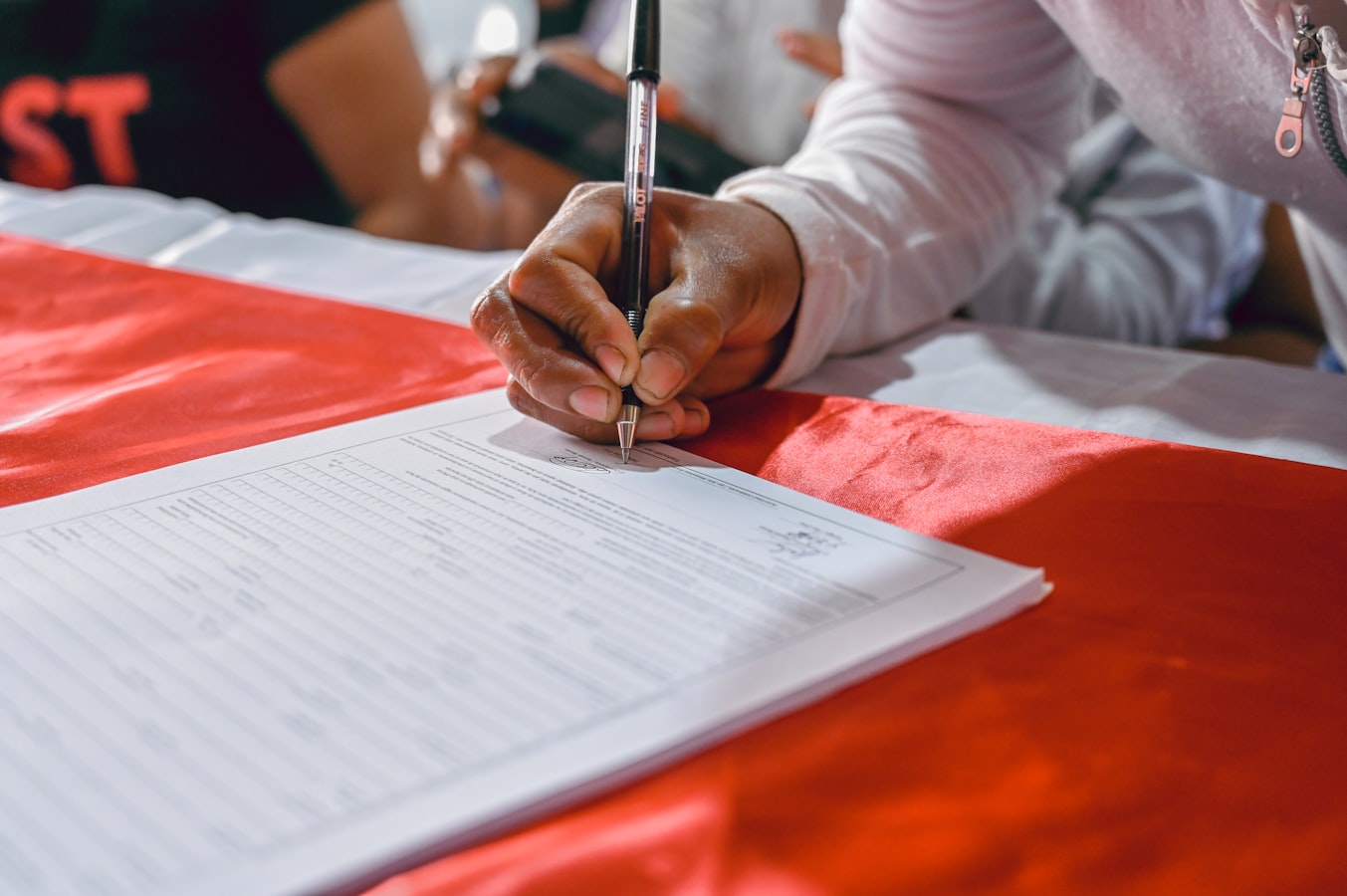
That message lands like a brick. And if you don't have a signed minor photography release form, you have very little to stand on.
Nothing here is legal advice. Consult a licensed attorney for guidance on your specific situation.
Why Parents Can Revoke Consent and Why It Still Catches Photographers Off Guard
Minors cannot enter binding contracts in most U.S. states. A parent or legal guardian signs on the minor's behalf, but in states like California, that same parent retains the right to disaffirm certain agreements before the child reaches adulthood. California's Civil Code § 3344 covers commercial use of a person's likeness without consent. New York's Civil Rights Law §§ 50 and 51 (covered in the New York Model Release Form: §§ 50, 51 Checklist) create similar exposure.
What catches photographers off guard is the gap between "the parent seemed fine" and "we have a signed, specific release." Verbal agreement is not a contract. A text saying "sounds good" is not a release.
What a Signed Minor Photography Release Form Locks In
A signed release creates a written record of what was agreed to at the time of the shoot. It documents the scope of use, the compensation (even if that's just a courtesy print), and the fact that the parent understood and accepted those terms on a specific date.
It won't make a disaffirmance claim disappear in every jurisdiction. But it does several things that matter in practice:
- It demonstrates you acted in good faith and got explicit consent before using the images.
- It defines the permitted uses, so if a dispute arises you can show the parent already approved social media or editorial licensing.
- It creates friction for vague complaints because the terms are written down and signed.
Think of it the way a pilot thinks about a pre-flight checklist: it doesn't prevent every bad outcome, but skipping it removes your best evidence that you did everything right.
Release Language That Narrows the Risk
Generic language like "may use photos for any purpose" sounds broad, but courts often read ambiguous consent narrowly when a minor is involved. Specific language works better:
Name the uses explicitly. List commercial advertising, social media, editorial publications, or licensing to third parties -- whatever matches your actual workflow.
State the compensation. Even "$1 and other good and valuable consideration" is better than nothing. Documented consideration strengthens the enforceability of the parent's signature in some jurisdictions.
Include a warranty clause. Have the signing parent confirm they are the legal guardian and have authority to sign. This matters when parents are separated and one shows up later claiming the other had no authority.
Address revocation directly. Language stating the parent acknowledges the release is irrevocable upon delivery of images puts them on clear notice of what they are agreeing to.
For youth sports and school contexts where timing pressure is especially acute, see Minor Model Release Form: 5 Youth Sports Gaps.
What To Do If a Parent Contacts You After the Fact
Don't ignore it and don't immediately agree to delete everything.
- Acknowledge the message promptly. A professional reply keeps the situation from escalating while you assess it.
- Pull your release. Review exactly what was signed, what uses were listed, and when it was executed.
- Check what's in distribution. Have the images been licensed to a brand or published editorially? The answer changes your options.
- Talk to an attorney before making promises. Agreeing to delete images from a third-party license you've already granted is not always something you can do unilaterally.
If you don't have a signed release, your position is weaker, but an attorney can still evaluate the specific facts. Having documentation improves your starting point -- that's all this article can tell you.
Get the Release Signed on Set, Not After
The single biggest change most photographers can make is treating the release as part of setup, not an afterthought. By the time the parent is driving home, the window for a clean, pressure-free signature is already narrower.
SignedShoot builds the minor photography release form in your browser, generates a PDF or .docx you can hand to a parent on set, and lets you collect the signature before the first frame is captured. No subject details are uploaded to a server. The document is built locally and you walk away with a signed copy the same day.
Use the minor model release form as a starting point. If you shoot in California or New York, cross-reference the state-specific statutory requirements before you print a single copy.
The release is not a magic shield. But it is the difference between having documented consent and having nothing but your memory of a parent nodding yes in a parking lot.
Templates on SignedShoot are based on standard industry practice from ASMP and PPA guidelines. They are not attorney-drafted or attorney-reviewed, and nothing on this site constitutes legal advice. Consult a licensed attorney in your jurisdiction for guidance specific to your situation.